
Your password can create an opening for hackers, even if you don’t realize it.
Some common mistakes you may be making with online banking passwords include:
- Using personal information, such as your name, address or date of birth
- Choosing shorter passwords
- Relying on common words or simple number combinations
- Using the same password for multiple logins
- Not updating passwords regularly
- Choose longer passwords, such as a phrase rather than a single Word
- Use a mix of upper and lowercase letters
- Include numbers and special characters
- Avoid common sequences, such as “1234”
- Avoid using personal information, such as your name, pets’ names, date of birth, etc.
- Don’t store your login details in your online banking or mobile app
- Don’t write passwords on the back of debit or credit cards or keep them in your wallet
And consider using a password manager to store and protect your passwords—and make using longer and more complicated passwords easier.
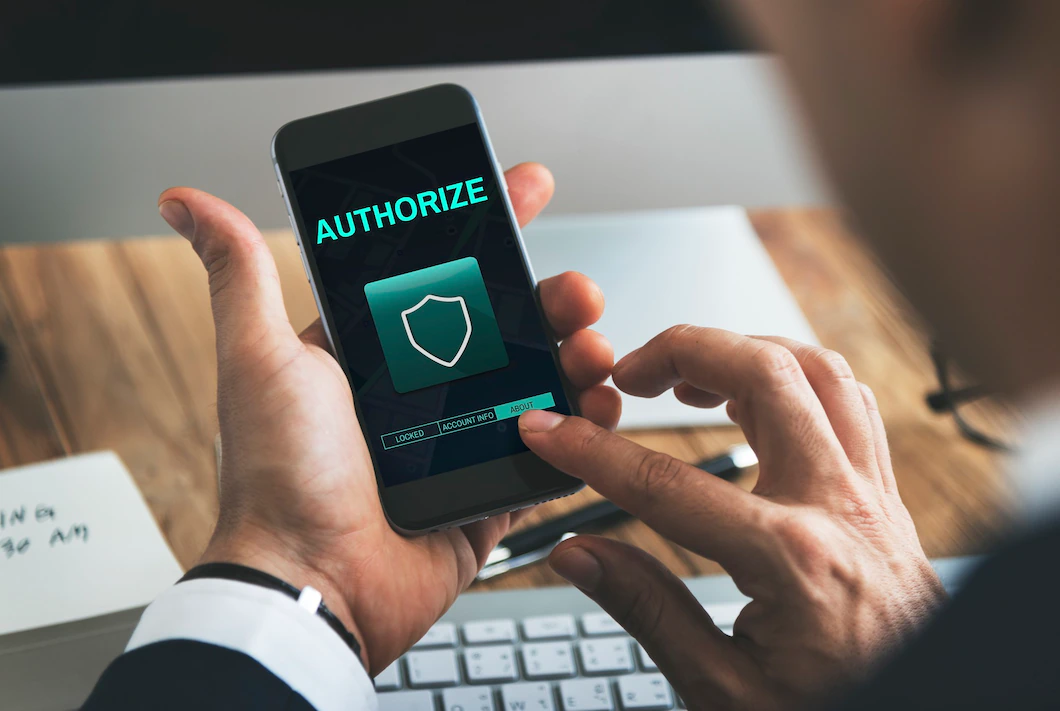
Two-factor, or multifactor, authentication can add a second layer of security verification when logging in to your online or mobile banking account. First, you enter your login name and password and then you have to pass a second security test.
For example, you may need to enter a special code, verify your account through an automated nió call, use biometric verification or identify an image. This makes it difficult for a hacker or identity thief to unlock your account, even if they have your online or mobile banking password.
Ask your bank or credit nión if two-factor authentication is an option and how to enable it.
Public Wi-Fi is convenient when you need to stay connected on the go, but you can’t count on it to be secure. According to NortonLifeLock Inc., the consumer cybersecurity provider, some of the most significant security risks posed by public Wi-Fi include:
- Man-in-the-middle attacks, in which hackers can electronically “eavesdrop” on your banking and other online activity
- Data transmissions over unencrypted networks
- Malicious hotspots
- Malware and spyware
It’s best to avoid using online or mobile banking when you’re on a public Wi-Fi network.
If you must access online banking or mobile banking with public Wi-Fi, here are some tips to stay secure.
- Disable public file sharing. Look up how to do this for your operating system.
- Stick with sites that are secure. Look for “https” in the site’s URL, which triggers the lock icon in your browser. Your laptop or mobile device’s firewall may automatically flag sites that are deemed unsafe.
- Consider using a virtual private network (VPN). This creates a private network that only you can access. You can set up a VPN through your mobile device or laptop using a VPN service.

Banking alerts notify you when certain actions occur. You receive near-instant notifications of any potentially fraudulent or suspicious activity. It’s often possible to receive email or text alerts for the following:
- Low or high balances
- New credit and debit transactions
- New linked external accounts
- Failed login attempts
- Password changes
- Personal information updates
If you get an alert and suspect fraudulent or suspicious activity, contact your bank or credit union immediately and change your online and mobile banking passwords.
Phishing is one of the most common methods identity thieves use to gain access to personal and financial information. This kind of scam usually involves tricking you into giving up your information.
Phishing scams can take different forms, but they’re often email or text scams. For example, you might get an email that looks like it came from your bank, telling you that you must log in to your account and update your information.
You click the link and log in to what appears to be a legit site but is a dummy site. Or, clicking a link downloads tracking malware to your computer, allowing identity thieves to log your keystrokes.
Either way, you’ve given up your login details without realizing it. For this reason, it’s important to scrutinize closely any emails that request financial or personal information.
Here are some tips for avoiding online banking phishing scams:
- Verify the sender’s email address. Call your bank and ask if it sent you an email. Verify the email address that was used.
- Hover over links. Hovering over a link inside an email can reveal where it will take you.
- Don’t share personal details. If you get an email from your bank asking for information, call your local branch or customer service to verify that it’s legitimate before sharing any details.

Financial apps, including mobile banking apps, can help with banking, paying bills, sending money and shopping. But they’re not equally secure.
If you plan to use your bank’s mobile app, make certain you’re using its official app. The best way to do that is to download the app from your bank’s website. If you’re downloading the app from the App Store or Google Play, verify that it’s legit by checking the developer details and reading reviews.
Consider which apps you allow to access your online and mobile banking details. For example, you might want to use a budgeting app to manage your money. These apps generally ask you to share your login credentials to pull information and create a financial picture, putting your data at risk.
Before downloading a financial app, check its ratings. Research the app’s security policies and look for past data breaches.